Course overview
A complete route from first network to performable system
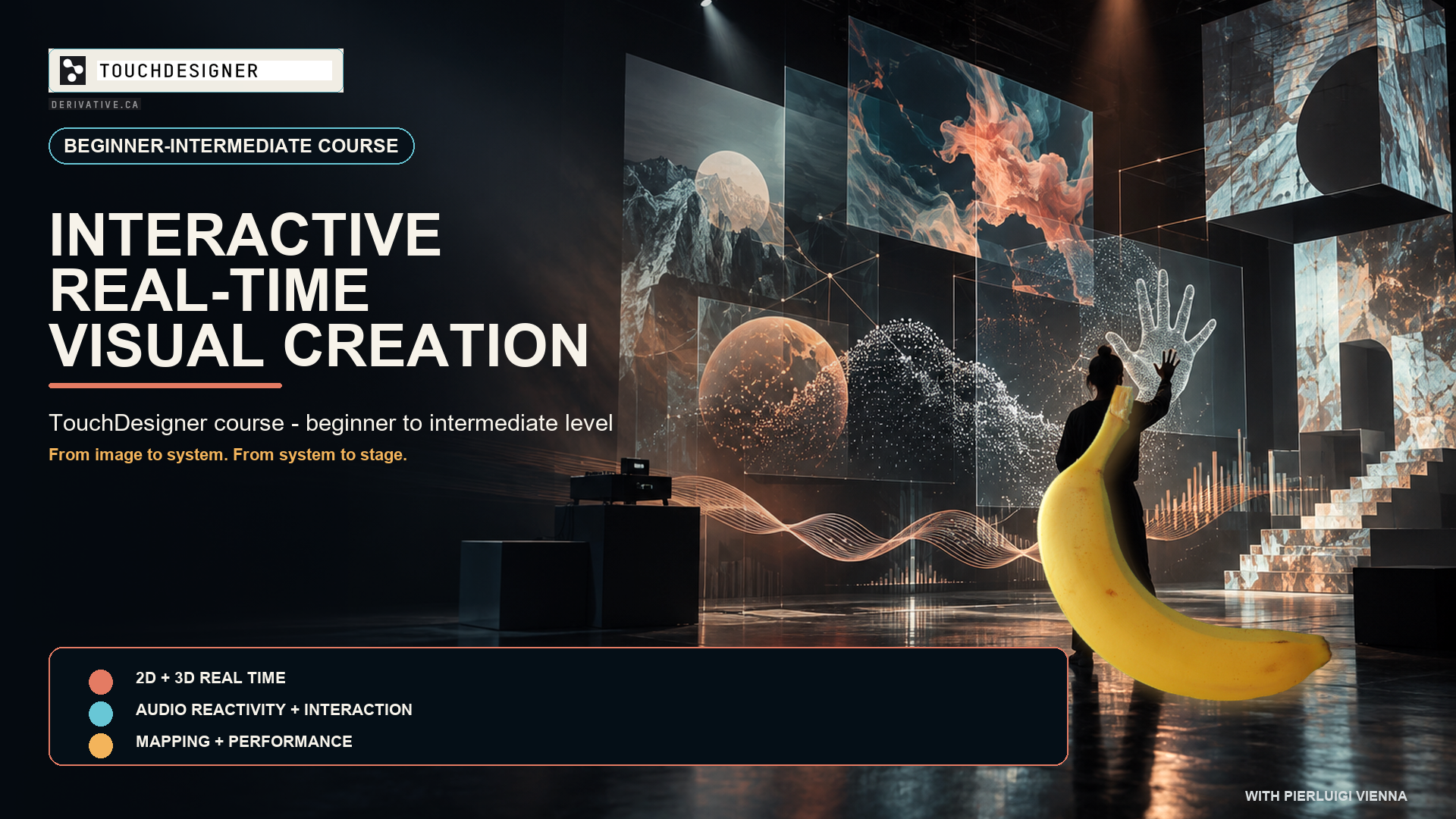
This project-based course introduces TouchDesigner as an environment for audiovisual composition, interaction and performance. Demonstrations, guided exercises and progressive assignments lead participants through 2D compositing, feedback, 3D rendering, instancing, audio analysis, MIDI and OSC, embodied interaction, AI-assisted workflows and essential projection mapping.
Programme
Twelve progressive sessions
The course follows the logic of a real production: image systems are built first, then made spatial, reactive, controllable and ready for presentation.
Environment and 2D image systems
Operator families, references and exports, project organisation, compositing, masks, colour, aspect ratio and image processing.
Feedback, 3D and instancing
Stable visual-memory loops, camera-light-geometry-material pipelines, data-driven repetition, materials and spatial composition.
Audio-reactive visual form
Amplitude and spectrum analysis, filtering, transient detection and mappings organised across slow, rhythmic and gestural timescales.
External and embodied control
MIDI, OSC, interface design, MediaPipe-based tracking, confidence management, smoothing and robust local fallbacks.
AI workflows and projection
Critical use of AI-assisted assets, provenance and validation, followed by test grids, corner pinning, masks and display routing.
Integration and dress rehearsal
Modular organisation, asset collection, performance monitoring, recovery tests and a complete multimedia presentation cycle.
Who can take part
- No previous TouchDesigner experience is required.
- Basic confidence with digital image, sound or creative software is useful.
- Intermediate participants can extend each assignment through their own media and controllers.
What to bring
- A personal laptop capable of running a current TouchDesigner build.
- TouchDesigner installed and tested before the first session.
- Headphones and a three-button mouse; a webcam is useful for interaction sessions.
- Optional MIDI controller, audio interface and short personal audio/video files.
- A readable and reusable TouchDesigner project architecture.
- An audiovisual study with differentiated musical mappings.
- A performable control layer with local fallback.
- A projection-ready output and calibration workflow.
- A documented final project prepared for rehearsal.
- Methods for measuring performance and recovering from input loss.